
How to launch a marketplace to your members
You already have the audience. The launch is about giving them a reason to look, and a reason to come back.
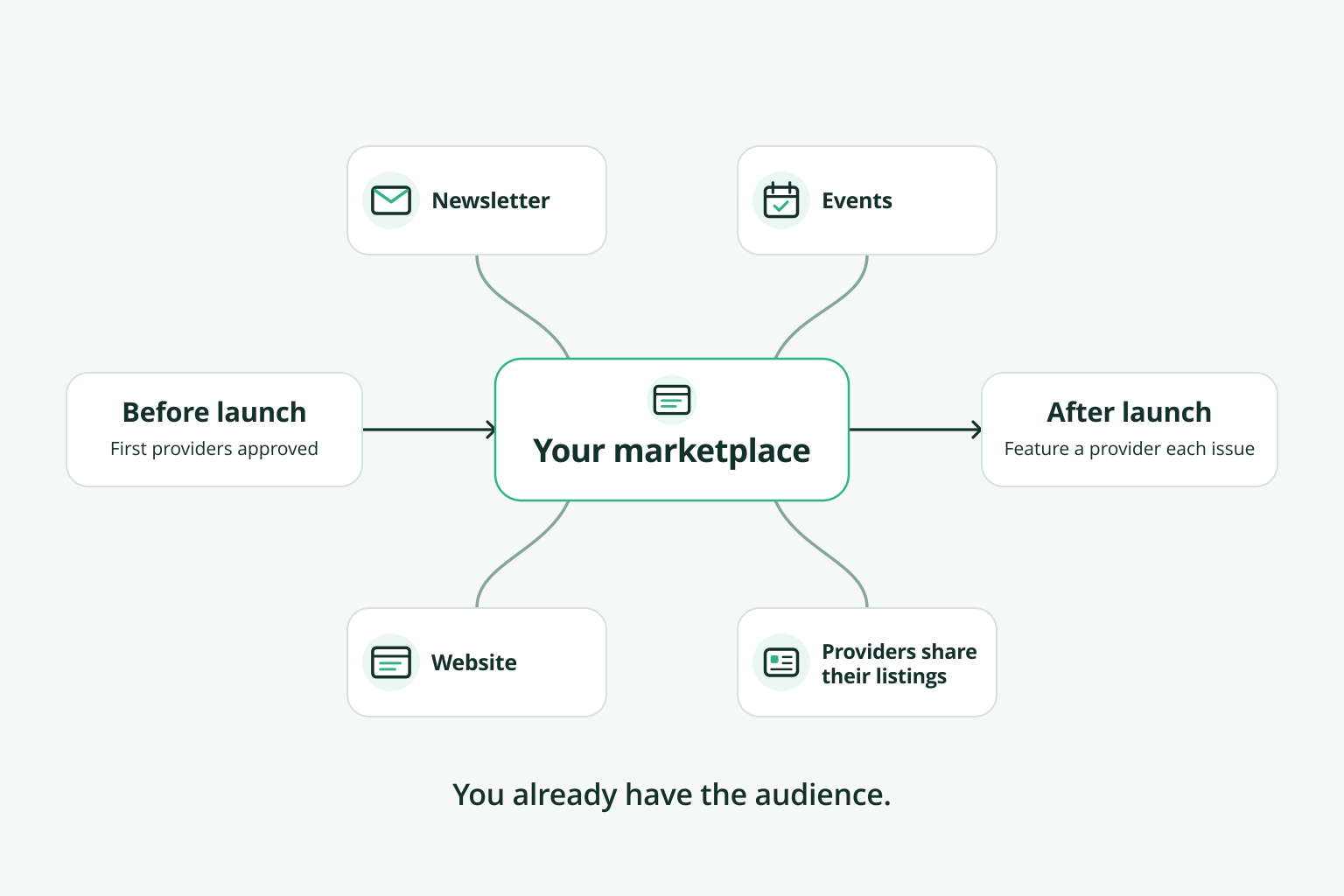
Launch a marketplace to your members by lining up a first group of providers before you announce anything, so members find something useful on day one. Then announce it through channels members already read: your newsletter, your events and your website. Ask providers to share their own listings with their customers. After launch day, keep it visible with regular mentions and new providers, because a marketplace members forget about doesn't get used.
Before you announce
- Line up your first providers. Start with member businesses you'd recommend yourself, and get their offerings approved before launch.
- Check it from a member's point of view. Open it logged out, as a visitor would. Browse each category. Is it clear what each provider offers and how to get in touch?
- Decide what you'll measure: providers listed, inquiries sent, bookings if you take them.
Launch through channels you already have
- Your newsletter. Feature a few providers and link to the full directory.
- Your events. Mention it from the stage, and put the link on the screen.
- Your website. Link to it where members already go.
- Your providers. Ask them to share their listing with their own customers and networks, where supported.
An announcement you can adapt
"[If members asked for this, say so: 'Members asked for an easier way to find each other's businesses.'] Starting today, [marketplace name] lists [type of providers] from our community in one place. Browse by category, send an inquiry, and [book online, if you take bookings]. Here are a few to start with: [three providers]. Are you a member business? Here's how to be listed: [link]."
After launch day
- Feature a provider in each newsletter.
- Add providers steadily, and announce them.
- Follow up with providers who aren't getting inquiries: is their listing clear?
- Share what's working with your board, using the measures you chose.
Next: What it takes to run a member marketplace · Member marketplaces for associations and chambers